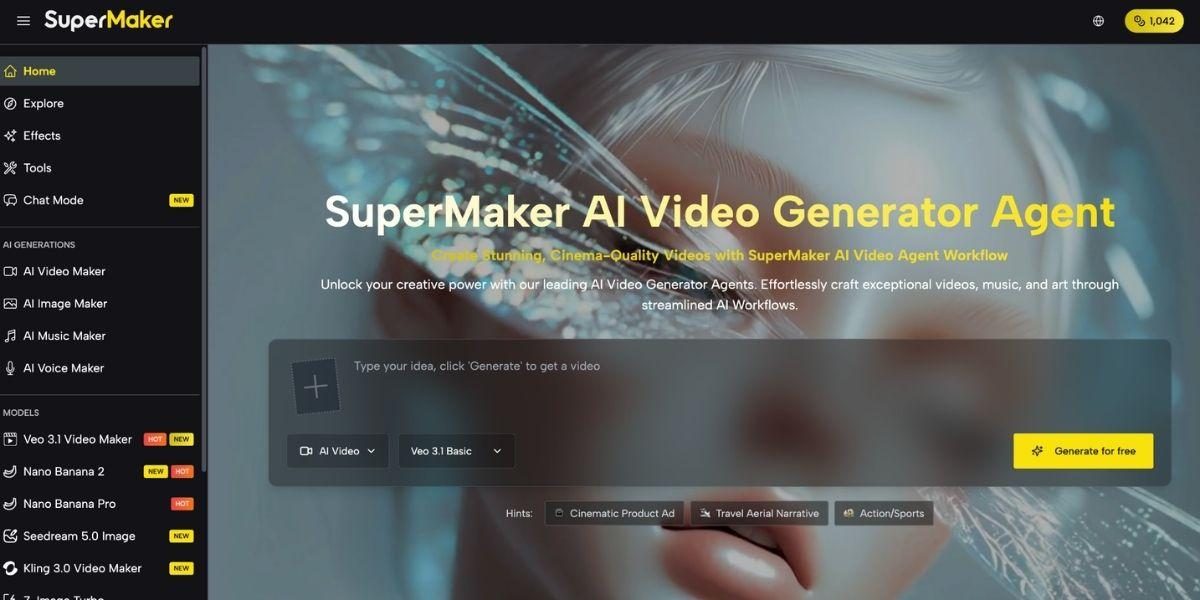

Most video effect tools give you a transformation. One click, one output, one file to download and drag into yet another platform. The effect looks great in isolation, but getting it into a finished video with synced audio, narration, and the right aspect ratio for each platform is a whole separate project.
AI Video Maker works differently. Every effect you apply lives inside the same workspace as your video generator, voice tool, and music composer, so the transformed clip is already part of your project, already paired with audio, and ready to export as finished content without touching another app.
Why Standalone Effect Tools Create More Work Than They Save
The demand for visually distinctive content has never been higher. Trending formats cycle faster than ever. One week it’s AI red carpet videos, the next it’s baseball fancam edits or sketch-to-video transformations. Dedicated effect tools and filter apps can execute these formats well. But they all share the same structural problem. They exist outside your production workflow.
You apply the effect, export the clip, import it into your video editor, sync a voiceover you generated somewhere else, add background music from yet another platform, and reassemble everything before you can publish. By the time the content is ready, the trend has moved. The current reality for most creators looks something like this:
• CapCut or a filter app for trending visual effects
• Runway or Kling for base video generation
• ElevenLabs for voiceover narration
• Suno for background music
• Premiere or a mobile editor to put it all together
Every tool does its job well. None of them talk to each other. And you’re spending more time on logistics than on creating.
Everything in One Workflow
This platform integrates a 100+ effect library directly into a full AI production suite, so applying a trending visual transformation is one step in a continuous workflow, not a detour through a separate app. Your transformed clip, your voiceover, and your background music all live in the same project from the moment you start.
Here’s how the platform is organized:
Pre-Production: Build Your Visual Foundation
• AI Image Maker: Generate source visuals (portraits, product shots, concept art, and scene references) using models like GPT Image 2, Nano Banana Pro, Seedream 5.0, and Flux Kontext, with built-in editing tools including magic erase, smart uncrop, and photo restoration, ready to feed directly into the effects pipeline.
Production: Transform, Narrate, and Score
• AI Effects Library: Apply 100+ trending one-click video and image transformations, including AI Red Carpet Video, baseball fancam, sketch-to-video, photo-to-dance, cartoon conversion, and virtual try-on, optimized for TikTok, Instagram Reels, and YouTube Shorts, updated regularly as new formats emerge.
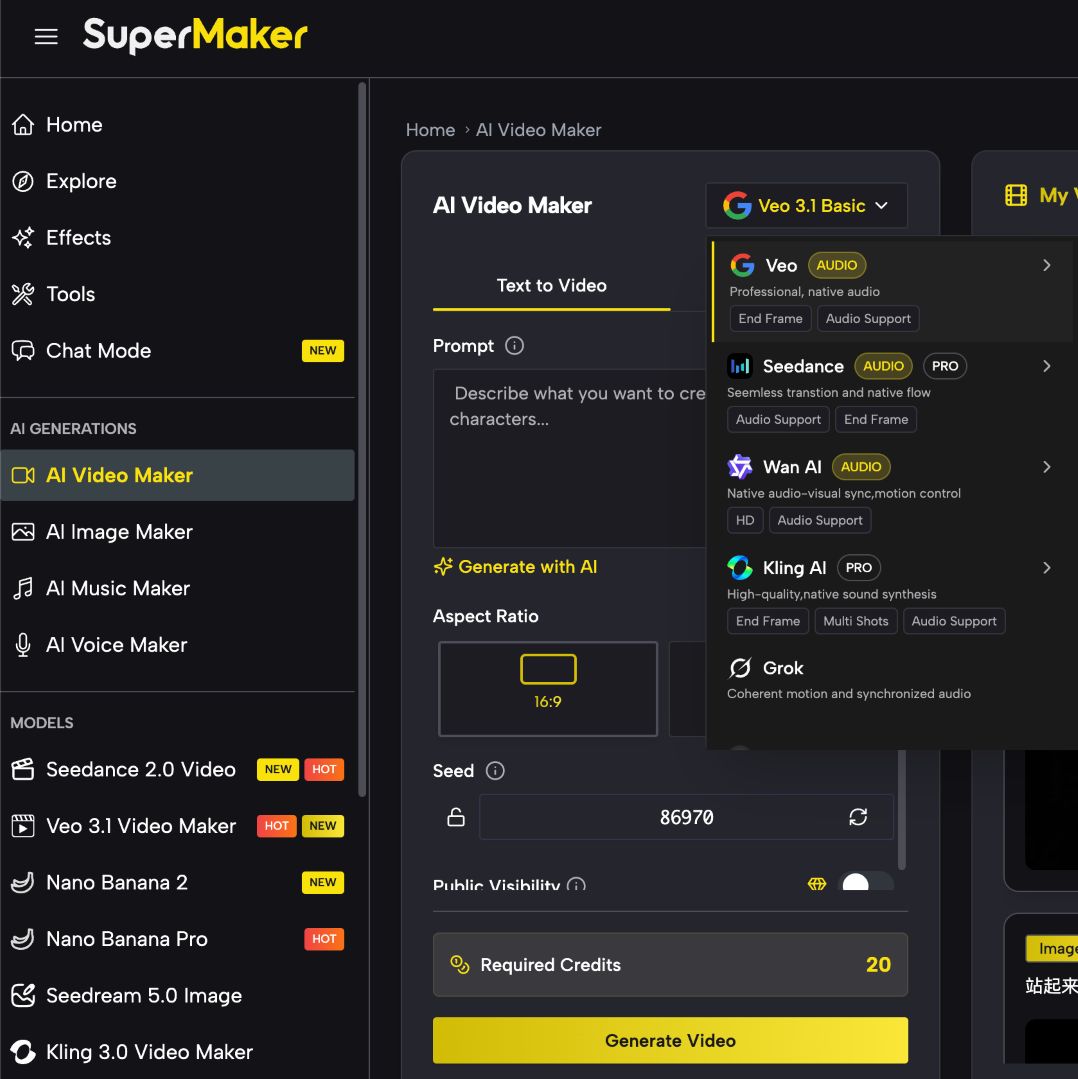
• AI Video Maker: Generate original footage using 30+ models, including Google Veo 3.1, Kling 3.0, Seedance 2.0, and Sora, with text-to-video, image-to-video, lip-sync, batch generation, and full commercial licensing on premium outputs.
• AI Voice Maker: Convert scripts into professional narration across multiple languages, accents, and voice styles, from conversational to broadcast-ready, saved natively to your project library and ready to sync with any clip in seconds.
• AI Music Maker: Generate original, royalty-free background tracks from a text description, with full control over genre, mood, tempo, and instrumentation, permanently licensed on paid plans, ready in 1-3 minutes.
Post-Production: Scale and Automate
• AI Studio (Canvas Workflow): Chain image generation, effects, video animation, voiceover, and music into a single automated pipeline on an infinite no-code canvas, with batch processing of up to 4 variations per node, auto-save, and reusable workflow templates for high-volume content production.
The tool runs entirely in the browser, with no download or installation required. A mobile app is also available for iOS and Android.
From Photo to Finished Video in One Session
1. Upload or generate your source visual. Start with an existing photo or generate a new image using the built-in image maker. Your source file is saved directly to your project library.
2. Apply your effect. Browse the effects library, select the format you want (AI Red Carpet, fancam, sketch-to-video, or any of the 100+ available styles) and apply with one click.
3. Generate your video. Send the transformed visual into the video generator, select a motion style and duration, and animate. Output saves automatically to your library.
4. Add a voiceover and music. Generate narration from your script and an original background track from a mood description. Both are saved to the same project and ready to layer.
5. Combine and export. Layer your video, voiceover, and music in the built-in editor, adjust timing and volume, and export as MP4, ready to upload.
Real Use Cases: Social Media, YouTube, and Ads
Social Media Creators
Trending effect formats have a short window. The faster you can go from a photo to a published video in that format, the more views you capture before the cycle moves on. Having effects, video generation, and audio all in the same platform compresses that window from hours to minutes.
YouTube Creators
Intro sequences, b-roll transitions, and stylized visual segments all benefit from consistent effect treatment. Generating those effects inside the same platform as the main footage means visual consistency across an entire video, without manually matching styles between different tools.
Marketers and Ad Teams
Product visuals transformed through AI effects (virtual try-on, lifestyle animation, brand-style conversions) can move directly into finished ad formats with narration and music layered on top. Run multiple visual variations in batch, apply different effect styles to each, and deploy a full creative set without leaving the platform.
Pricing: What You Get at Each Tier
The platform offers a free plan and three paid tiers, all billed annually with no hidden fees. Unused credits roll over, and all paid plans include HD watermark-free downloads, unlimited Canvas projects, faster generation speed, and private generation.
The free plan is a genuine starting point, with no credit card required, and the weekly credit check-in means you can keep generating without committing to a subscription. For creators producing content regularly, the Basic plan at $8.30/month replaces four to five separate tool subscriptions that would otherwise cost $95-$180+ per month combined. A 10-day refund is available on paid plans if unused.
Why a Connected Pipeline Matters
Trending visual formats are only valuable if you can execute them fast enough to matter. When your effect tool, your video generator, your voice tool, and your music composer are all in separate tabs, the speed advantage of one-click effects disappears in the handoffs between platforms. If your current workflow requires moving transformed clips through multiple tools before they become publishable content, it’s worth seeing how a connected pipeline changes the pace. The free tier requires no credit card to find out.
This platform makes effects the starting point of a production workflow, not a detour away from one. Apply the transformation, animate the result, add narration and music, and export, without the file handling and context switching that standalone effect tools make unavoidable.