

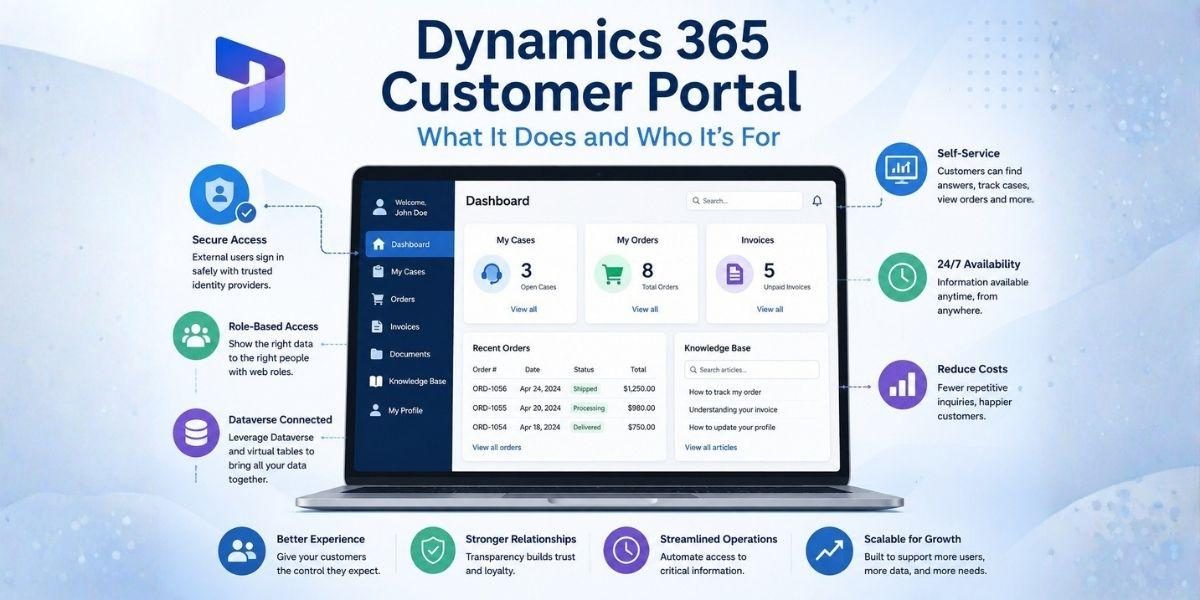

The phrase “Dynamics 365 customer portal” does not name one product. Depending on who is saying it, it means a Power Pages site built from the Customer Self Service template, a Power Pages site built from something else entirely, a third-party portal product that syncs to Dataverse, or a window onto Business Central data that reaches Dataverse through virtual tables.
Those are different purchases with different licensing and different ceilings. What makes the phrase usable at all is that underneath, they do the same three things whether you’re evaluating a Dynamics 365 customer portal or any other solution. Understanding those three things is what lets you tell whether you need one, and the answer is genuinely no more often than vendors suggest.
What it actually does
Strip away the page builder and a customer portal performs one operation. It takes a person who does not have a Dynamics 365 license, works out who they are, and returns a filtered subset of records to them.
That breaks into three moving parts, and everything else is presentation.
It authenticates an external identity. The person signing in is not a user in your tenant. Power Pages supports local accounts, where a username sits on the contact record and a password is set through an administrative process, and it supports external identity providers through OpenID Connect and related protocols. Microsoft’s guidance is to use an external provider and deprecate the local one. Anyone whose plan still centers on Azure AD B2C should note that it has not been available to new customers since May 1, 2025 and that the P2 tier was discontinued on March 15, 2026, with support for existing tenants continuing until at least May 2030. Microsoft Entra External ID is the successor.
It maps that identity to a Dataverse contact record. This is the part that surprises people. A portal user is a contact. The same table your sales team has been filling in for years is the table that now governs who can sign in to a customer-facing application. Access is granted by adding a username to the contact, or at volume by sending an invitation, which carries a code, an optional expiry, and instructions to attach the contact to an account and assign web roles when it is redeemed.
It applies a record-level permission model. Dataverse records are closed to a portal by default. Forms, lists, Liquid templates and the Portals Web API all return nothing until a table permission opens a path, and a table permission does nothing until it is attached to at least one web role.
The access types in that permission model are the whole design conversation. Global returns every record in a table. Contact returns records related to the signed-in user. Account returns records related to the signed-in user’s account. Self returns only the user’s own contact record. A Custom type, currently in preview and limited to sites enabled for enhanced authorization, filters by a FetchXML condition. A Parent type exists but surfaces only in the Portal Management app.
That is the product. A page that shows a customer their own cases is Contact access on the case table. A page that shows a purchasing manager everything their company ordered is Account access on the order table, resolved through the relationship between that contact and that account. Once you can read a portal requirement in those terms, most scoping arguments end quickly.
Where the data has to be
The permission model operates on Dataverse. That is the boundary, and it is the one most often discovered late.
Cases, accounts, contacts, and anything built as a custom Dataverse table are already in the right place. Data living in Dynamics 365 Finance and Operations, in a non-Microsoft system, or in an on-premises line-of-business application is not, and reaching it means putting a synchronization or virtualization layer in front of the portal work rather than after it.
Business Central sits in a useful middle position. Since Business Central 2023 release wave 2, version 23.1, Power Pages can run on Dataverse virtual tables backed by Business Central, which lets unlicensed external users read Business Central data with Business Central remaining the record of truth. That is a genuine capability rather than a workaround, and it changes the answer for a lot of distribution and services organizations whose orders and invoices never lived in Dataverse to begin with.
The question to settle before scoping is therefore not “can the portal show this,” but “where does this record live today, and what is the shortest honest path from there to Dataverse.”
Who it’s for
The useful fit test is not company size or industry. It is repetition.
A question asked many times about a record the customer already owns. Order status, invoice history, case progress, contract dates, shipment tracking. If your team answers the same question hundreds of times a month by looking up a record and reading it aloud, that lookup is a page. The economics work because the labor being displaced is real and recurring.
A population that has to be told apart. Distributors, dealers, franchisees, brokers, and multi-site customers all need a version of “show me my company’s records and nobody else’s.” Account access exists for exactly this, and it is difficult to reproduce with shared inboxes or file shares without eventually leaking something.
A trail the customer needs on their own schedule. Documents, statements, and transaction history that customers currently request by email, usually outside your working hours and often in a different timezone. The portal’s advantage here is availability rather than automation.
There is also a fourth case that is less often stated. Some organizations need the portal because their customers have started asking for one during procurement. That is a legitimate reason to build, but it should be scoped as a credibility requirement rather than a savings program, because the business case will not survive being measured as the latter.
Who it’s not for
This section matters more than the previous one, and it is the part most vendor material skips.
Small external populations. Power Pages authenticated access is sold in capacity packs at $200 per month for 100 users, per website, on a calendar month basis, paid yearly, with unused capacity not carrying over. Add the build and the ongoing maintenance. If forty customers each contact you twice a year, the labor being displaced does not cover any of that, and a shared mailbox with a decent process is the correct answer.
One-way document delivery. If all you need is to get a PDF to a customer once a month, a portal is a large amount of machinery for something email or a file share already does. Portals earn their cost when the customer needs to look something up on an unpredictable schedule, not when you need to push something out on a predictable one.
Data that is not in Dataverse and is not going to be. If the records customers want live in a system nobody is willing to synchronize, the portal project is really a data integration project wearing a portal’s clothes, and it should be scoped, staffed, and approved as one.
Organizations whose contact data is not clean. Account access resolves through the contact-to-account relationship. Duplicate accounts, contacts attached to the wrong parent, and records left over from old sales activity all become customer-visible defects the day the portal launches. A portal publishes your CRM hygiene to the people least equipped to interpret it.
Anyone who cannot staff content maintenance. Gartner’s survey of 5,728 customers found 43% of failed self-service attempts came down to customers being unable to find content relevant to their issue. Knowledge content decays, and a portal with a stale knowledge base produces contacts rather than deflecting them. If nobody owns that after launch, the portal will underperform its business case regardless of how well it is built.
What the licensing shape tells you about fit
Costs on Power Pages scale with the number of external people who authenticate, per site, per month. That is worth stating plainly because it inverts a common assumption. Your own headcount does not drive the bill. Your customers’ headcount and login habits do, and a customer portal plus a partner portal is two sites and two sets of capacity packs even when some of the same people use both.
Alternatives exist on a different pricing shape. Third-party portal products that sync to Dataverse tend to be sold as a flat platform fee rather than per authenticated user. As one published example, CRMJetty lists $399 per month for up to 500 portal users with no per-login charges or capacity packs, at the same rate across Dynamics 365, Salesforce, SugarCRM and SuiteCRM. Whether that is the better deal is arithmetic rather than argument, and it turns on how many external users authenticate in your busiest month.
The point is not which vendor wins. It is that the licensing shape is a fit test in its own right. If your external population is small and stable, per-user pricing is cheap and a flat fee is waste. If it is large, growing, or spiky, the reverse holds, and modeling the peak month rather than the average is what makes the comparison honest.
The question worth answering first
Before scoping a Dynamics 365 customer portal, write down the three questions your customers ask most often, and for each one name the Dataverse table that holds the answer and the access type that would return it. Contact, account, or neither.
If all three resolve cleanly, the project is mostly configuration and the fit is good. If one of them requires a record that is not in Dataverse, or an access rule your data model cannot express, you have found the real project, and it is better found now than in week nine.