
By: Shem Semblante
I spend a lot of time online looking things up.
Not in a research-paper way. In a “I need to understand this well enough to use it today” way. Whether it’s a business concept, a health question, or something I half-remember from a conversation, I’m constantly filling gaps. For a long time, my workflow was: search, skim five articles, piece together an answer, move on.
It worked. It was also slow and kind of exhausting.
A few months ago, someone mentioned iAsk.ai to me. I checked it out, liked the search engine, and mostly forgot to dig deeper. Then I saw they had launched an AI Video Tutor feature. I figured I’d poke at it once and move on.
I didn’t move on.
What the Video Tutor Actually Does
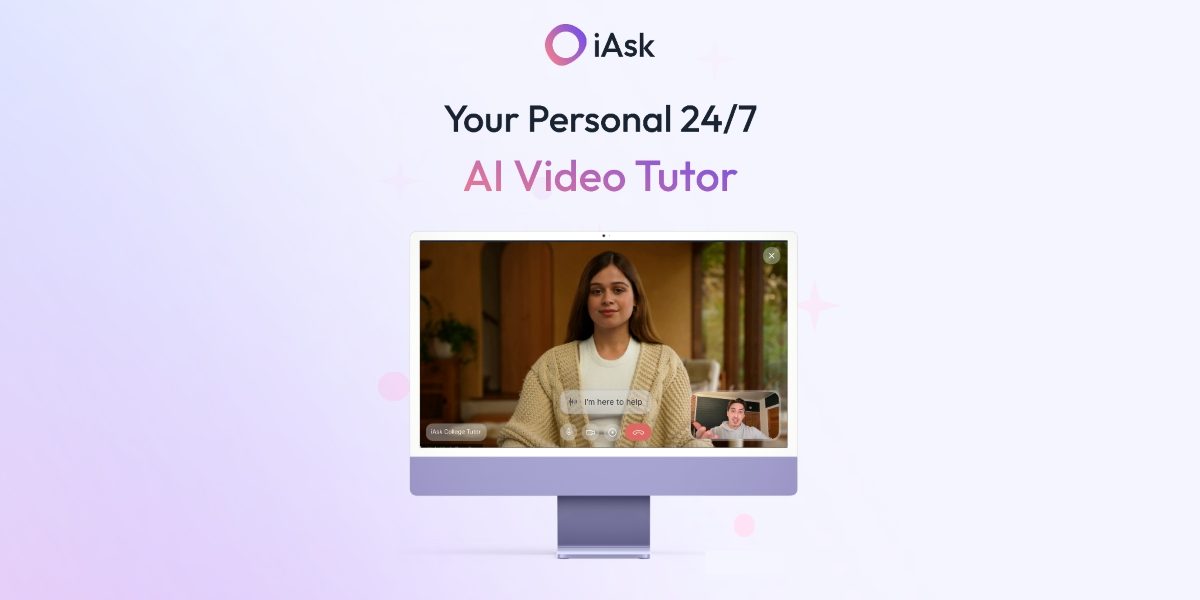
The premise is simple: instead of reading an AI-generated answer, you get one explained to you. Live. On video. By an AI that looks and sounds like a real tutor.
You ask a question. The tutor responds immediately, out loud, on screen. You can ask follow-ups. You can go back and forth. It feels less like querying a tool and more like talking to someone who happens to know a lot about everything and has nowhere else to be.
The first thing I asked was something I had Googled probably four times before without it ever sticking: how to actually read a profit and loss statement in a way that tells you something useful. Every article I found gave me the same basic breakdown. The Video Tutor gave me the same information but walked me through it contextually, explaining what to look at first, what to ignore, and what the numbers mean in relation to each other.
I retained it. That’s not nothing.
Why Video Changes the Equation
There’s real reasoning behind why verbal explanation outperforms reading for a lot of people. Hearing something explained, with pacing and emphasis and the natural rhythm of speech, activates understanding differently than scanning text. Most AI tools ignore this entirely. iAsk built a whole feature around it.
The tech is impressive. Response time is fast enough that the conversation never feels broken. You’re not waiting. You’re just talking. And because it’s built on top of iAsk’s core search engine AI search engine, which the company reports performs strongly on several major accuracy benchmarks, the answers are solid.
The Part That Surprised Me
I expected to use this once, think “cool feature,” and go back to doing what I normally do.
Instead, I started using it for things I didn’t anticipate. Before a client call, I used it to sharpen my understanding of a topic I was supposed to speak to. I used it to get a clean summary of a legal concept buried in a contract I was reviewing. I used it when I wanted to understand something nuanced quickly and didn’t want to read 3,000 words to get there.
None of these are student use cases. I’m not doing homework. But the tool worked for all of them.
Who Should Try This
The Video Tutor has already been used by over 100,000 students and is included in iAsk Pro at $9.95/month. The subscription also comes with 300 daily Pro searches, document analysis, image generation, and an ad-free experience.
If you’re a student, Pro is completely free with a .edu email. And even if you’re not, the Video Tutor is useful well beyond the classroom. Whether you’re getting up to speed on something outside your expertise or just finally learning that thing you’ve been putting off, it’s worth a few minutes to try.
My Final Thoughts
Most AI tools keep adding features that feel the same. The Video Tutor is different in a way that’s hard to explain until you actually sit down with it. 5 minutes in, you stop noticing the technology and just start learning.
It won’t replace every tool in your stack. But for the specific problem of “I need to actually understand something, not just find it,” it’s the best option I’ve found. And I’ve looked.
Give it 10 minutes. Ask it something you’ve been meaning to figure out. That’s all it takes.