
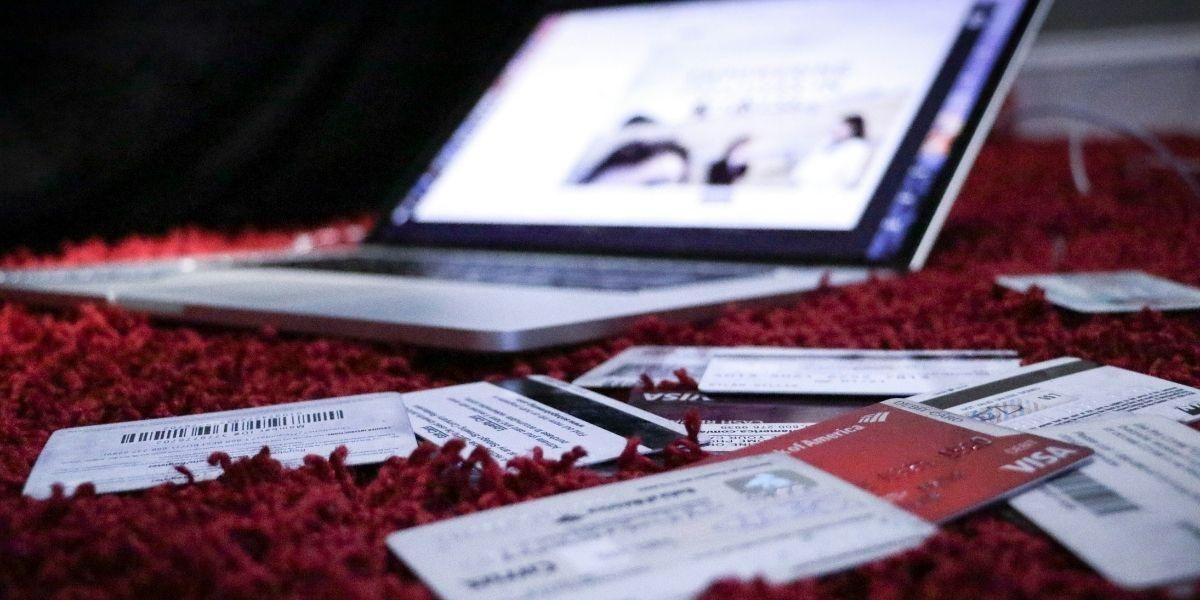

A visa application can require far more than an email address and a credit card number. Travelers may be asked to provide passport details, birth information, home addresses, employment history, photographs, and copies of personal documents. In the wrong hands, that information can support identity theft long after a fake application fee has disappeared.
The challenge is that fraudulent visa websites do not always look fraudulent. A polished design, a professional logo, a secure-looking checkout page, or a prominent search advertisement can create an immediate sense of legitimacy. Travelers therefore need to evaluate what a website does, what it promises, and how transparent it is, not simply how modern it looks.
The Safety and Scam Prevention guide published by HandleVisa outlines common warning signs such as misspelled domains, urgent payment requests, suspicious links, hidden company information, and promises of ensured approval. HandleVisa identifies itself as an independent private document-assistance company rather than a government authority.
Why Fake Visa Websites Are So Convincing
Visa applications create an ideal environment for social engineering. Travelers are often working against a departure date, trying to make sense of unfamiliar terminology, and worried that one mistake could disrupt an expensive trip.
Scammers use that pressure to discourage careful checking. A fraudulent website may display a countdown timer, claim that only a few appointments remain, or warn that an application will be canceled unless payment is made immediately.
The presentation may look credible. Criminals can copy layouts, logos, photographs, color schemes, and text from legitimate organizations. AI tools have also made it easier to produce convincing articles, customer-service messages, testimonials, and support responses without the obvious spelling mistakes once associated with online fraud.
Malicious links and AI-generated content can also be used in travel scams. These tactics are especially dangerous in visa-related fraud because applicants expect to share sensitive information as part of the process.
Seven Warning Signs of a Fake Visa Website
No single clue proves that a website is fraudulent. A safer approach is to look for several independent signals before entering information or making a payment.
1. The Web Address Is Almost Right, but Not Quite
Lookalike domains are among the most common warning signs. A scammer may change one letter, add a hyphen, insert an extra word, or use a different domain ending.
On a phone, the full address may be difficult to see. Tap the address bar and read the domain carefully from beginning to end. Do not assume that the first few words are enough.
The Better Business Bureau’s guide to spotting scams and lookalike websites recommends checking URLs closely before sharing personal or payment information.
2. The Site Promises Ensured Approval
No private company can control the final decision on a visa application. Claims such as “100% approval,” “warranty acceptance,” or “special access to immigration officials” should be treated as major warning signs.
A legitimate assistance provider can explain requirements, review documents, or help prepare an application. It cannot ensure what another authority will decide.
Be particularly cautious when a warranty is paired with an expensive “priority” fee. Scammers often charge more by suggesting that they have access to an exclusive route unavailable to ordinary applicants.
3. The Payment Request Is Unusual or Untraceable
A demand for cryptocurrency, gift cards, wire transfers, or payment to a personal account deserves immediate scrutiny. These methods can make it difficult to dispute a charge or identify the recipient.
The request may arrive after an applicant has already submitted information. A message might claim that an extra payment is required to prevent cancellation, to correct an invented error, or to release an approved document.
Do not pay through a link in an unexpected email or text. Return to the website independently and use a verified contact method to ask whether the request is genuine.
4. The Website Hides Who Operates It
A trustworthy business should make it reasonably easy to determine who is providing the service.
Look for:
• A registered company name
• A physical business address
• Working contact information
• Clear service terms
• A privacy policy
• A refund or cancellation policy
• An explanation of fees
• A statement clarifying whether the company is private or official
The absence of one item does not automatically prove fraud. However, a website that collects passport scans while concealing its operator, address, and policies presents a significant risk.
5. The Message Creates Immediate Fear
Phishing messages often try to replace judgment with panic. Common examples include:
• “Your application will be deleted today”
• “Your visa has been suspended”
• “Pay within one hour to avoid refusal”
• “Your passport has been flagged”
• “Click now to confirm your identity”
The Anti-Phishing Working Group advises consumers to be suspicious of messages that urgently request financial or personal information. Its phishing prevention guidance also recommends typing a known web address directly into the browser instead of following an unexpected link.
Urgency alone is not proof of fraud, but it is a reason to stop and verify the request through another channel.
6. The Website Has HTTPS, but Nothing Else Checks Out
The padlock symbol and “https” indicate that the connection between a browser and a website is encrypted. They do not prove that the company behind the website is honest.
Fraudulent websites can also obtain security certificates. That means a fake site may display a padlock while collecting information for criminal purposes.
Norton’s guide to checking whether a website is safe recommends evaluating several signals together, including the domain name, contact details, privacy information, reviews, browser warnings, and general site behavior.
Treat HTTPS as a minimum technical requirement, not a complete legitimacy test.
7. Reviews Look Manufactured or Cannot Be Verified
A wall of five-star testimonials can be reassuring, but reviews displayed on a company’s own website are controlled by that company.
Search for independent feedback elsewhere. Read both positive and negative reviews, and look for patterns rather than relying on a single dramatic complaint.
Warning signs include:
• Many reviews posted within a short period
• Repetitive wording
• Generic statements without service details
• Profiles with no other activity
• Reviews that focus on approval warranty
• Testimonials that appear copied from another site
Also search the company name alongside terms such as “complaint,” “refund,” “scam,” and “review.” The goal is not to find a business with no criticism at all, but to understand recurring issues before providing sensitive information.
A Two-Minute Safety Check Before Applying
Travelers can reduce their risk by following a short verification routine.
First, type the web address manually or reach the company through a trusted source. Avoid entering through an unsolicited email, text message, social media advertisement, or pop-up window.
Second, inspect the full domain. Look for added words, swapped letters, unusual endings, or subdomains designed to hide the real address.
Third, identify the company behind the service. Check its legal name, contact information, location, terms, privacy policy, pricing, and refund conditions.
Fourth, read exactly what the service provides. A private assistance company should clearly explain that it charges for support or document preparation and does not make approval decisions.
Fifth, evaluate the payment method. Traceable card payments generally offer more options for addressing unauthorized or disputed transactions than gift cards, cryptocurrency, or anonymous transfers.
Sixth, save evidence before submitting anything. Keep screenshots of the service description, total price, cancellation policy, confirmation page, and correspondence.
Finally, slow down. A legitimate organization should allow enough time to read its terms and understand the transaction.
What to Do After Clicking a Suspicious Link
Clicking a link does not necessarily mean that information has been stolen. The appropriate response depends on what happened afterward.
If the page opened but no information was entered, close it and avoid downloading files or accepting browser notifications. Run a security scan if the site triggered a download or behaved unexpectedly.
If a password was entered, change it immediately from a clean device. Change any other accounts that use the same or a similar password, and enable multifactor authentication where available.
If payment details were submitted, contact the card issuer or financial institution promptly. Explain that the information may have been provided to a fraudulent website and ask what protective steps are available.
If a passport scan, identification document, or personal history was uploaded, keep records of exactly what was shared. Monitor financial and online accounts closely for unusual activity.
Consumers can also search reports or share an experience through the BBB Scam Tracker. Reporting a suspicious operation may help other travelers recognize the same tactics.
Do Not Let a Search Ranking Make the Decision
Travelers often assume that the first result in a search engine is the most trustworthy. It may simply be a paid advertisement or a page optimized to appear prominently.
Search visibility is not proof of authorization, security, or quality. The same applies to social media follower counts, professional graphics, customer-service chat boxes, and polished AI-generated explanations.
The safest decision comes from combining several checks: verifying the domain, identifying the operator, reviewing the terms, examining payment methods, and questioning unrealistic promises.
The Most Important Rule: Pause Before You Submit
Visa-related scams succeed when urgency prevents verification. The traveler sees a convincing page, worries about a deadline, and shares information before asking who is actually receiving it.
A short pause can interrupt that process.
Before uploading a passport or entering payment details, ask three questions:
1. Who operates this website?
2. What exactly am I paying for?
3. Can I independently verify both answers?
When those questions produce clear, consistent information, a traveler can make a more informed decision. When the answers are hidden, contradictory, or wrapped in pressure, closing the page may be the safest step.