

By: Chelsie Carvajal
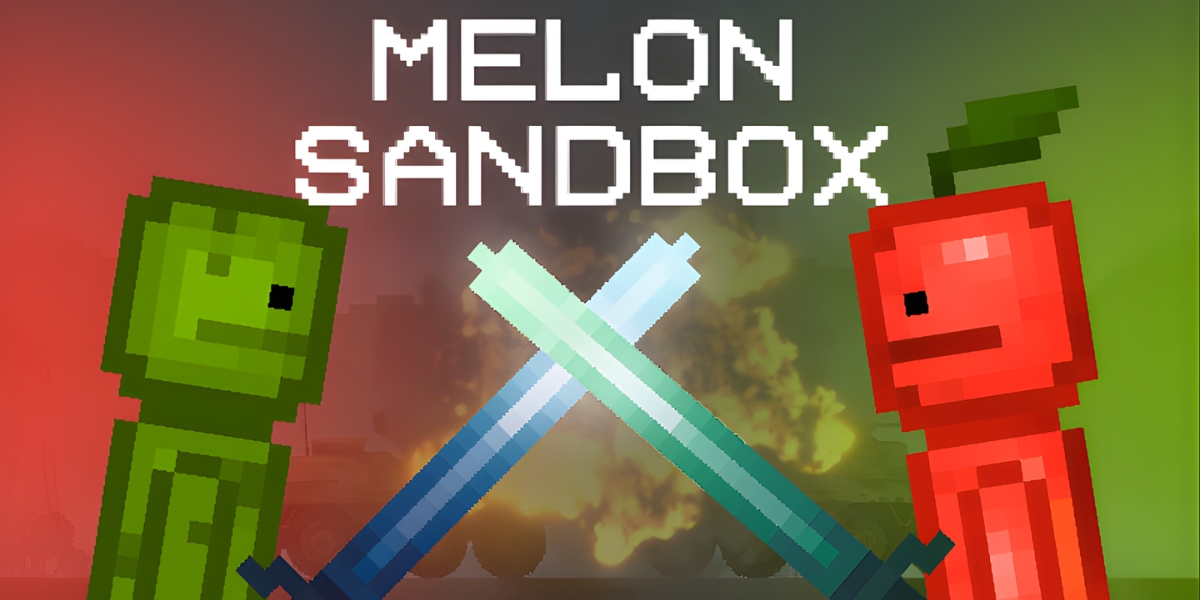
Melon Sandbox has grown into a playground where young creators learn how to turn quick ideas into detailed projects, one experiment at a time. The physics-based game gives users tools to set up scenes, trigger reactions, and see instant results, which makes trial and error feel engaging rather than stressful. That mix of freedom and structure helps teenagers and younger players practice creative thinking in a space that feels like a game instead of a classroom.
Testing Ideas Through Play
Melon Sandbox began as a 2D ragdoll physics game and has developed into a flexible environment where players test concepts through cause-and-effect setups. Users drop characters, vehicles, and objects into a level, adjust positions or conditions, and then trigger movement or collisions to see what the scene can handle. Each small change, such as moving a bomb or altering a stack of crates, gives immediate visual feedback that encourages experimentation.
That loop of planning and reaction turns basic play sessions into informal problem-solving drills. Players learn which structures collapse, which chains of events actually work, and which setups fall apart, then refine their scenes without penalty. Over time, many users move from random testing toward more deliberate experiments that resemble early physics projects or simple engineering tasks.
Building Worlds With Accessible Tools
Melon Sandbox gives players access to a large item library that includes characters, props, weapons, vehicles, and mechanisms. Available categories cover melee weapons, firearms, explosives, biological weapons, armor, furniture, medicines, and mechanical devices such as buttons or thrusters. Users place these objects on a map, freeze them in position, or connect them to other items to set up simple scenes or more elaborate combat situations.
Scenes often start with a default map, followed by adding “creatures” such as test subjects or melon-headed characters. While humans can be added through mods, the game’s default characters are all fruit-based. Players adjust object size, color, and placement, pause physics to edit safely, and then trigger movement, gunfire, or explosions to see how the setup behaves. These options help young creators practice arranging props, planning chains of events, and experimenting with cause and effect without formal instructions.
Melon Sandbox supports user-generated content through mods made with the in-game editor and shared in community channels. Mods can introduce new characters, skins, weapons, vehicles, and decorative items, which gives players more precise control over themes such as sci-fi scenes or medieval battles. Tutorials and third-party tools show mobile players how to download mod files, copy them into the correct folders, and activate them through the game menu.
Sharing Scenes and Learning From Others
Creators can share their work in two main ways: capturing screenshots or videos of scenes, and publishing mods or save files through the Workshop and related platforms. Official channels and fan communities on Discord, Telegram, TikTok, and YouTube host short clips of chain reactions, vehicle crashes, and staged battles recorded directly from gameplay. These posts turn private experiments into public examples that other players can observe and imitate.
The Workshop and mod catalogs function as galleries where users upload custom characters, weapons packs, maps, and full scenario saves. Other players download these files, load them into their game, and inspect how objects, triggers, and physics settings were arranged. Many beginners use these shared saves as templates, then change elements step by step to test different ideas.
Guides, tutorial videos, and “tips and tricks” articles show concrete build methods, such as attaching thrusters to platforms, wiring buttons to explosives, or spawning balanced teams for battles. Viewers watch how more experienced players handle item menus, freezing tools, and mechanisms, then apply similar techniques in their own projects. Through repeated cycles of testing, copying, and adjusting, young creators can gradually move from casual experimentation toward more organized scene planning.