


The iFoto AI Color Changer is an innovative tool that utilizes artificial intelligence to transform the way we edit images. With its advanced AI technology, this game-changing software makes it incredibly easy and efficient to change the colors of objects in photos with just a few clicks. Whether you’re a professional graphic designer, photographer, or simply someone looking to enhance your images, the iFoto AI Color Changer offers a fast and precise solution for all your color-changing needs.
Key Features
- AI-Powered Color Switching: The core of the iFoto Change colour of image is its advanced artificial intelligence engine. This technology enables the software to accurately identify and select objects in images, allowing for precise color changes.
- Ease of Use: With a user-friendly interface, the iFoto AI Color Changer is incredibly simple to use. It eliminates the need for complex manual selections and intricate adjustments, making it accessible even to those with no prior ai photo editing experience.
- Compatibility: The software is designed to be compatible with various image formats, ensuring that you can work with a wide range of file types.
- Customizable Options: Offering a range of customizable options, the iFoto AI Color Changer lets you fine-tune your color changes. You can easily adjust the hue, saturation, and brightness to achieve the exact look you desire.
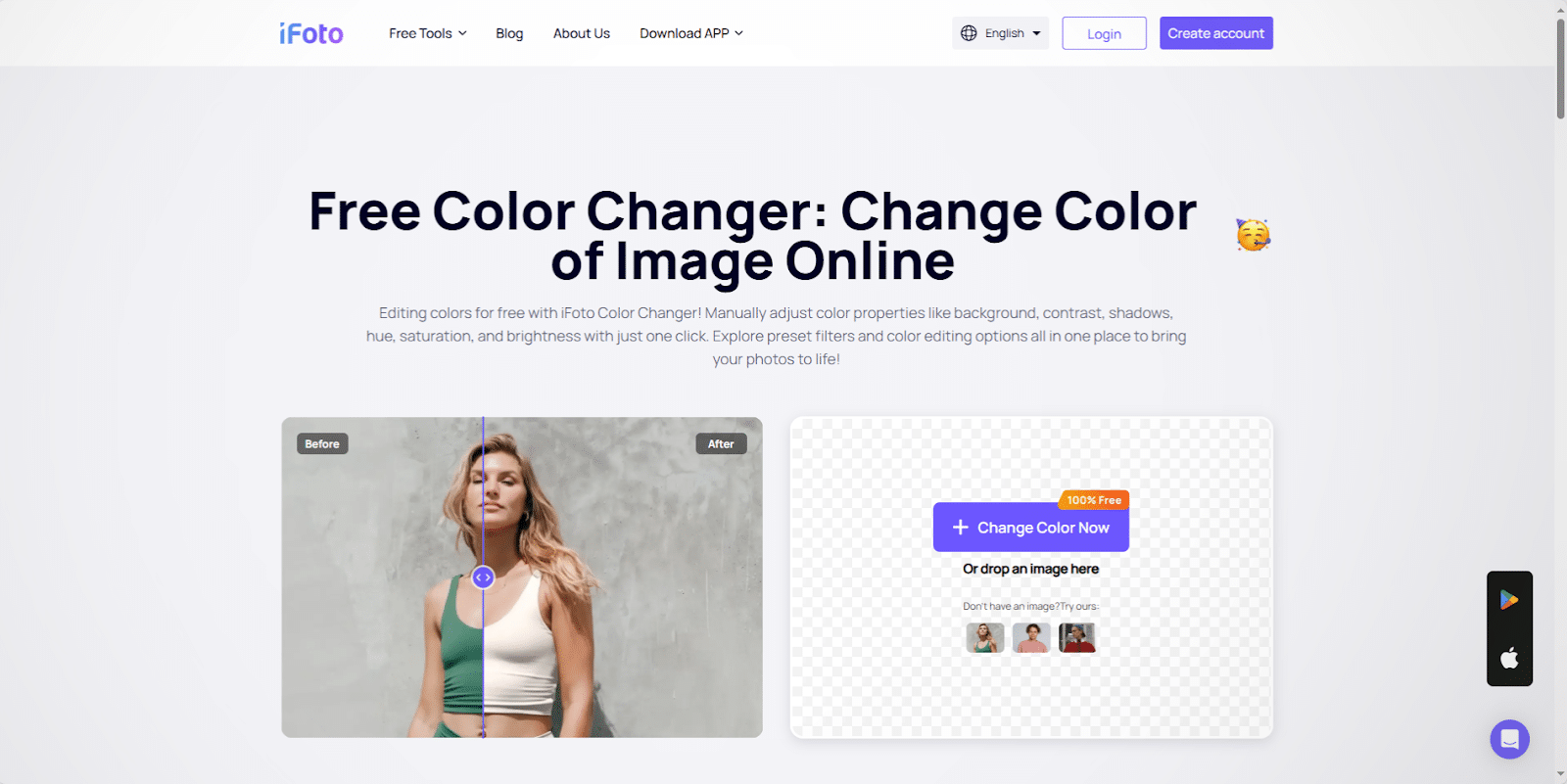
Photo Courtesy: ifoto.ai
How It Works
The iFoto AI Color Changer simplifies the process of changing image colors:
Step 1: Upload your image to the iFoto AI Color Changer.
Step 2: Use the simple selection tools to choose the object you want to recolor. The AI technology will automatically detect and select the object, ensuring a precise selection.
Step 3: Choose your desired color from a wide range of options, or customize your own color using the hue, saturation, and brightness adjustments.
Step 4: With just one click, the iFoto AI Color Changer will instantly apply the new color to the selected object, giving you a transformed image.
Step 5: Download your edited image and use it as you wish!
Benefits
- Time-Saving: With its efficient AI technology, the iFoto Cloth Changer AI significantly reduces the time spent on image editing. The automatic object detection and selection eliminate the need for tedious manual work, speeding up your workflow.
- Precision: The advanced AI engine ensures precise color changes by accurately identifying and selecting objects. This level of precision is difficult to achieve with traditional manual editing methods.
- Consistency: Achieve consistent results with the iFoto AI Color Changer. The AI technology applies color changes uniformly across the selected object, maintaining a seamless and natural appearance.
- Easy to Use: The user-friendly interface makes the iFoto AI Color Changer accessible to everyone. Whether you’re a seasoned designer or a beginner, the software’s simplicity empowers you to achieve professional-looking results without complexity.
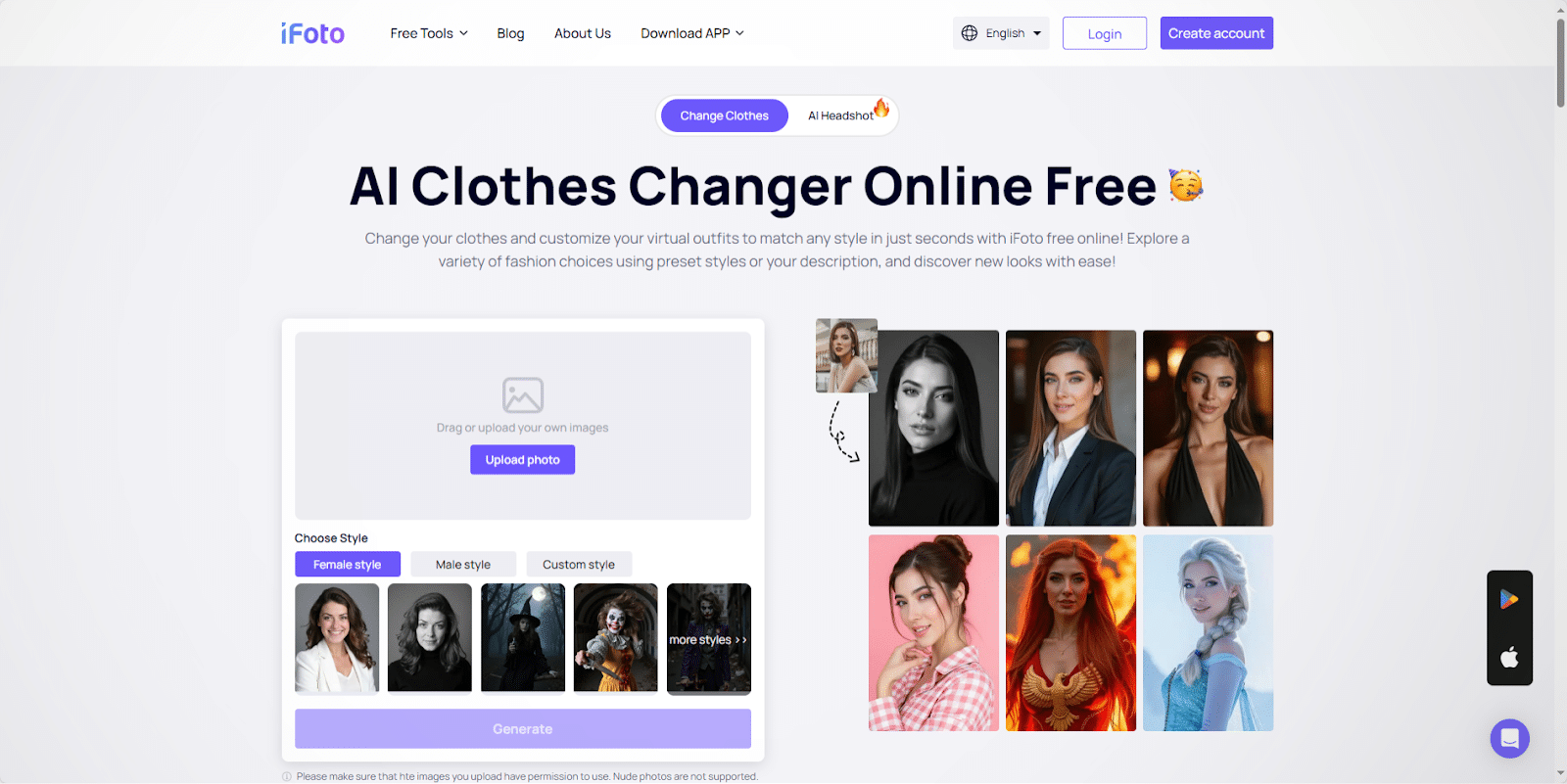
Photo Courtesy: ifoto.ai
Application Areas
The iFoto AI Color Changer is a versatile tool that can be applied across various industries and fields:
- Graphic Design: Graphic designers can utilize the iFoto AI Color Changer to quickly experiment with different color schemes and create visually appealing designs. It streamlines the design process, making it easier to meet client expectations and deliver stunning visuals.
- Photography: For photographers, the iFoto AI Color Changer offers a simple way to enhance their images. Whether it’s changing the color of a subject’s outfit or modifying the hue of a scenic element, photographers can easily add creative flair to their photos.
- Marketing and Advertising: In the world of marketing, visual appeal plays a crucial role. The iFoto AI Color Changer enables marketers to quickly adapt and modify images for different campaigns, ensuring a consistent and attractive brand presence.
- E-commerce: Online retailers can use the iFoto AI Color Changer to showcase products in different colors, providing customers with a more informative and engaging shopping experience. This can lead to increased sales and customer satisfaction.
- Fashion and Design: The ability to easily change colors is invaluable in the fashion and design industries. The iFoto AI Color Changer allows designers and stylists to experiment with different color palettes, patterns, and textures, helping them bring their creative visions to life.
Alternative Products
While the iFoto AI Color Changer offers a specialized and user-friendly approach to color-changing, there are alternative products in the market that provide more general photo editing capabilities:
Adobe Photoshop
Adobe Photoshop is the industry-standard photo editing software that offers a wide range of features, including robust color adjustment tools. While Photoshop is powerful, it can be complex and may require a steep learning curve for beginners.
Canva
Canva is a user-friendly graphic design platform that offers simple color-changing tools and templates. It is great for beginners but may lack the advanced features and precision needed for more complex edits.
GIMP
GIMP is a free and open-source image editing software that provides color manipulation capabilities. While it offers a range of tools, GIMP may not have the same level of precision and ease of use as specialized AI-powered tools.
Conclusion
The iFoto AI Color Changer is an impressive tool that harnesses the power of AI to simplify the image editing process. With its precision, speed, and ease of use, it has become an invaluable asset for professionals and enthusiasts alike. Whether you’re in graphic design, photography, marketing, or any other field that relies on visual content, the iFoto AI Color Changer can help you elevate your images and streamline your workflow. Start using the iFoto AI Color Changer today and unlock a world of creative possibilities!
Published by: Josh Tatunay